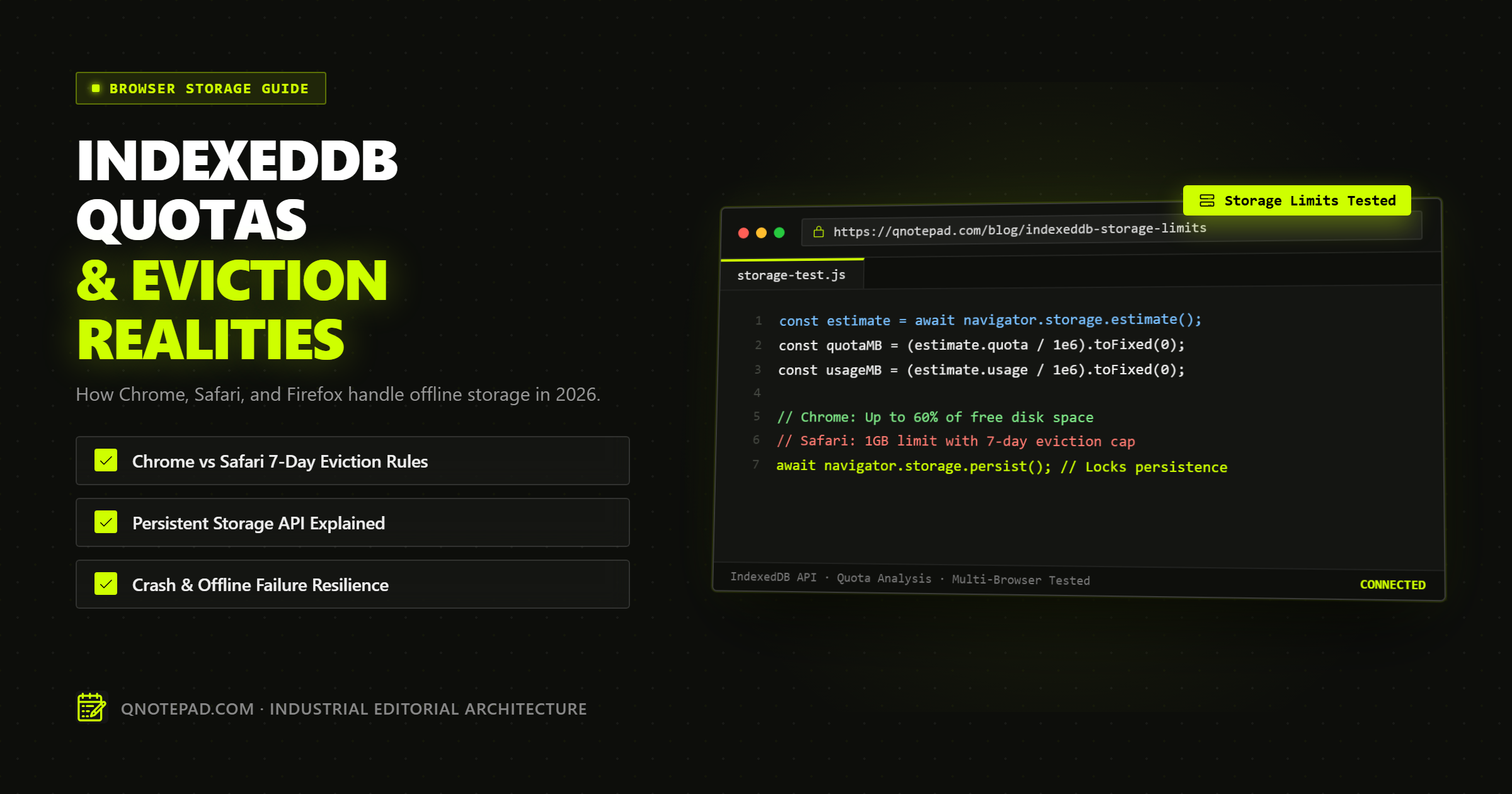
IndexedDB in 2026 is capable of storing tens of gigabytes of structured offline data per origin on desktop and mobile browsers. However, actual data durability varies dramatically between Chromium (Chrome, Edge, Brave), WebKit (Safari on macOS and iOS), and Gecko (Firefox).
While Chrome grants web applications access to up to 60% of total available disk space, Safari enforces a strict 7-day eviction timer on script-writable storage under Intelligent Tracking Prevention (ITP) unless specific interaction conditions are met.
For engineers and knowledge workers relying on local-first web notepads, offline progressive web apps (PWAs), or browser-based developer tools, understanding how browser storage engines allocate quotas, evict databases under disk pressure, and handle the navigator.storage.persist() permission is critical to preventing accidental data loss.
This guide provides an exhaustive, benchmarked breakdown of modern browser storage architectures, quota formulas, eviction algorithms, and copy-pasteable TypeScript strategies for bulletproof offline data durability.
The Three Tiers of Web Storage: Beyond the 5 MB Myth
A pervasive misconception among web developers is that "browser storage is capped at 5 MB."
This misconception stems from the legacy window.localStorage API, standardized in HTML5 more than fifteen years ago. In 2026, modern web browsers feature three distinct storage tiers, each engineered for completely different workloads:
+-------------------------------------------------------------------------+
| Modern Browser Client-Side Storage Tiers                               |
+-------------------------------------------------------------------------+
| Tier 1: LocalStorage / SessionStorage                                  |
|   Capacity: ~5 MB to 10 MB per origin                                   |
|   I/O Model: Synchronous, main-thread blocking                          |
|   Data Structure: Key-value string pairs only                           |
|   Ideal For: UI theme preferences, temporary auth tokens                |
+-------------------------------------------------------------------------+
| Tier 2: IndexedDB (IDB)                                                 |
|   Capacity: 1 GB to 100+ GB (Disk-fraction based)                       |
|   I/O Model: Asynchronous transactional Indexed Records                 |
|   Data Structure: Structured cloneable objects, Blobs, ArrayBuffers    |
|   Ideal For: Local-first offline notes, document stores, media caches   |
+-------------------------------------------------------------------------+
| Tier 3: Origin Private File System (OPFS)                               |
|   Capacity: Shared origin pool (tens to hundreds of GBs)                |
|   I/O Model: In-worker synchronous fast binary file handles             |
|   Data Structure: Raw hierarchical virtual filesystem                   |
|   Ideal For: SQLite WASM databases, audio/video editing engines         |
+-------------------------------------------------------------------------+
For a local-first notepad or text editor, IndexedDB is the ideal sweet spot: it supports asynchronous non-blocking transactions, indexes multiple fields (such as note creation timestamps, tags, and search keywords), and handles hundreds of thousands of documents without degrading UI responsiveness.
Browser Storage Quotas and Eviction Rules: Chrome vs Safari vs Firefox
Browser storage is governed by the W3C StorageManager API. However, each major browser engine implements its own quota calculations, eviction policies, and user consent gates.
1. Chromium Engine (Google Chrome, Microsoft Edge, Brave, Opera)
Chromium utilizes a shared storage pool architecture managed by its storage/browser/quota subsystem.
- Global Pool Quota: Chromium allows the entire web platform to consume up to 80% of total available disk space.
- Per-Origin Quota: A single origin (such as
qnotepad.com) can consume up to 60% of total disk space (or a hard cap based on system architecture). On a 512 GB SSD with 300 GB free, a single web app can store upwards of 150 GB in IndexedDB. - Eviction Mode: By default, an origin is placed into the Best-Effort storage tier. Under extreme storage pressure (when free disk space drops below 1 GB or the global pool limit is exceeded), Chromium evicts origins using a Least Recently Used (LRU) algorithm. The origin that has gone the longest without user access is deleted entirely.
- Persistent Storage Gate: Web applications can call
navigator.storage.persist(). If granted, the origin transitions to the Persistent tier and is completely exempt from automatic LRU eviction. Chrome grants persistence automatically if the app is installed as a PWA, has high user engagement scores (Site Engagement index), or is bookmarked.
2. WebKit Engine (Safari macOS, iOS, iPadOS)
Safari's storage architecture is heavily influenced by Apple's privacy model and Intelligent Tracking Prevention (ITP).
- Per-Origin Quota Floor: Safari allocates a baseline origin quota starting at 1 GB.
- Dynamic Quota Prompts: When an application attempts to exceed 1 GB, Safari halts the write operation and displays a system dialog:
"qnotepad.com" would like to use up to 2 GB of storage on your Mac. If approved by the user, the quota increments in powers of two (2 GB, 4 GB, etc.). - The Safari ITP 7-Day Eviction Trap: This is the single most critical eviction rule in web development. Under WebKit's ITP, all client-side writable storage (IndexedDB, CacheStorage, localStorage) is deleted after 7 days of Safari use without user interaction on that origin.
- If a user takes notes in a web notepad, bookmarking it or keeping it open, the timer resets on each visit.
- However, if the user navigates other websites for 7 days without opening the notepad tab, Safari's background cleaning process can wipe the IndexedDB database to prevent cross-site fingerprinting.
- Exception: Adding the web app to the iOS Home Screen (as a standalone Web Clip / PWA) or installing it on macOS grants it standalone status, effectively shielding it from aggressive 7-day ITP purges.
- Persistence Support: Safari supports
navigator.storage.persist(), but its internal evaluation requires explicit user interaction or Home Screen installation.
3. Gecko Engine (Mozilla Firefox)
Firefox provides a balance between generous disk allocations and strict user prompt controls.
- Group Quota: An origin group (the domain and its subdomains) can consume up to 20% of the global storage limit (which is roughly 50% of available disk space). On modern computers, this allows 5 GB to 20 GB of IndexedDB data.
- Eviction Mode: Similar to Chromium, Firefox treats unprivileged storage as best-effort LRU. When disk capacity reaches 90% utilization, Firefox purges the oldest origins.
- Persistent Storage Gate: When a website invokes
navigator.storage.persist(), Firefox displays an explicit browser prompt to the user:"Should https://qnotepad.com be allowed to store data on your computer for persistent use?". Once the user clicks "Allow", the origin is never evicted automatically.
Detailed Comparison: Cross-Browser Storage Matrix
The following benchmark table synthesizes the storage behaviors across all four major browser configurations in 2026:
| Browser / Platform | Per-Origin Max Quota | Eviction Policy | Safari ITP 7-Day Trap? | navigator.storage.persist() Behavior |
Private / Incognito Mode IDB |
|---|---|---|---|---|---|
| Chrome (Desktop & Android) | Up to 60% of disk space (100+ GB) | Best-Effort (LRU) under disk pressure | No | Auto-granted based on engagement & PWA install | In-memory only; wiped on tab/window close |
| Edge (Windows & macOS) | Up to 60% of disk space | Best-Effort (LRU) | No | Auto-granted via engagement score | In-memory only; wiped on close |
| Safari (macOS) | 1 GB default (Prompts for 2GB+) | LRU + 7-day inactive purge | Yes (7 days) | Silent grant or requires Home Screen install | Blocked or in-memory depending on OS version |
| Safari (iOS / iPadOS) | 1 GB default (Strict memory constraints) | Aggressive OS memory pressure purge | Yes (7 days) | Requires "Add to Home Screen" for durability | Strictly isolated in-memory; wiped on exit |
| Firefox (Desktop) | Up to 20% of disk space (5-20 GB) | Best-Effort (LRU) | No | Explicit permission modal prompt to user | Disabled or mock memory store |
Demystifying navigator.storage.persist()
By default, every byte you write to IndexedDB is classified as "best-effort" (temporary).
This means the browser reserves the legal right to delete your database without warning if the host operating system signals that disk space is dangerously low (for example, during a system OS update or massive game download).
To achieve true data durability, a local-first application must request "persistent" storage classification.
// Step 1: Check if storage is already persistent
if (navigator.storage && navigator.storage.persisted) {
  const isPersisted = await navigator.storage.persisted();
  console.log(`Current storage tier: ${isPersisted ? "Persistent" : "Best-Effort"}`);
}

// Step 2: Request elevation to Persistent tier
if (navigator.storage && navigator.storage.persist) {
  const granted = await navigator.storage.persist();
  if (granted) {
    console.log("Storage elevated to Persistent tier. Protected from LRU eviction.");
  } else {
    console.warn("Browser denied persistent storage. Subject to LRU eviction under disk pressure.");
  }
}
When Does the Browser Say "Yes"?
Browsers do not grant persistence unconditionally. They evaluate heuristics to prevent malicious or spammy websites from hoarding disk space:
- User Engagement: Does the user visit this site frequently? (Chrome uses the
SiteEngagementScore). - Installation Status: Is the application added to the desktop dock, taskbar, or mobile Home Screen as a PWA?
- Notification or Background Sync Permissions: Has the user granted other elevated browser privileges?
- Direct Interaction: Was
persist()triggered inside a user gesture (such as clicking an "Enable Offline Mode" or "Save Note" button)?
Production Implementation: The Resilient Storage Manager
Below is a production-grade TypeScript class that wraps the modern Web Storage API. It handles quota estimation, transparently requests persistent storage, detects low-disk warnings, and catches QuotaExceededError exceptions before they crash client-side editors:
/**
 * Safe Browser Storage Manager
 * Detects quotas, requests persistence, and protects local-first notes.
 */

export interface StorageHealthReport {
  isPersisted: boolean;
  usedBytes: number;
  totalBytes: number;
  usagePercentage: number;
  isLowSpace: boolean;
}

export class BrowserStorageManager {
  /**
   * Retrieves the current origin storage consumption and persistence status.
   */
  public static async getHealthReport(): Promise<StorageHealthReport> {
    if (!navigator.storage || !navigator.storage.estimate) {
      return {
        isPersisted: false,
        usedBytes: 0,
        totalBytes: 0,
        usagePercentage: 0,
        isLowSpace: false,
      };
    }

    // 1. Query browser storage estimate
    const estimate = await navigator.storage.estimate();
    const usedBytes = estimate.usage ?? 0;
    const totalBytes = estimate.quota ?? 0;
    const usagePercentage = totalBytes > 0 ? (usedBytes / totalBytes) * 100 : 0;

    // 2. Query persistence tier
    let isPersisted = false;
    if (navigator.storage.persisted) {
      isPersisted = await navigator.storage.persisted();
    }

    // Low space warning threshold: 90% of origin quota or under 50 MB remaining
    const remainingBytes = totalBytes - usedBytes;
    const isLowSpace = usagePercentage >= 90 || (totalBytes > 0 && remainingBytes < 50 * 1024 * 1024);

    return {
      isPersisted,
      usedBytes,
      totalBytes,
      usagePercentage,
      isLowSpace,
    };
  }

  /**
   * Prompts the browser to elevate origin storage to the Persistent tier.
   * Call this during explicit user actions (e.g. clicking "Enable Offline Autosave").
   */
  public static async requestPersistence(): Promise<boolean> {
    if (!navigator.storage || !navigator.storage.persist) {
      return false;
    }

    try {
      const alreadyPersisted = await navigator.storage.persisted();
      if (alreadyPersisted) return true;

      return await navigator.storage.persist();
    } catch (err) {
      console.error("Failed to request persistent browser storage:", err);
      return false;
    }
  }

  /**
   * Safe wrapper around IndexedDB write transactions to catch quota exhaustion.
   */
  public static async executeSafeWrite<T>(writeOperation: () => Promise<T>): Promise<T> {
    try {
      return await writeOperation();
    } catch (error: any) {
      if (
        error.name === "QuotaExceededError" ||
        error.code === 22 ||
        error.number === -2147024882
      ) {
        // Trigger emergency backup or alert user
        console.error("FATAL: IndexedDB QuotaExceededError encountered. Disk is full.");
        throw new Error(
          "Your browser storage quota has been exceeded. Please export your notes to Markdown or clear unused disk space."
        );
      }
      throw error;
    }
  }

  /**
   * Helper to format raw byte counts into human-readable strings (MB, GB).
   */
  public static formatBytes(bytes: number, decimals = 1): string {
    if (bytes === 0) return "0 B";
    const k = 1024;
    const sizes = ["B", "KB", "MB", "GB", "TB"];
    const i = Math.floor(Math.log(bytes) / Math.log(k));
    return parseFloat((bytes / Math.pow(k, i)).toFixed(decimals)) + " " + sizes[i];
  }
}
Common Pitfalls and Failure Modes in Local-First Storage
Even experienced engineers regularly stumble over edge cases in browser storage lifecycle management:
1. The Incognito / Private Browsing Trap
In Chrome, Firefox, and Safari, opening an incognito window creates an ephemeral, in-memory IndexedDB instance.
- Notes created during an incognito session function smoothly and pass read/write tests.
- The Catastrophe: As soon as the user closes the incognito window, the entire database is wiped from RAM immediately. No persistence request can override this.
- Defense: Detect incognito mode or display a prominent UI banner when running in private contexts: "Private Mode detected: notes will not be saved after this tab closes."
2. Multi-Tab Transaction Deadlocks
If a user opens your notepad across seven browser tabs, each tab establishes a connection to the same IndexedDB database.
- If you push a database version upgrade (e.g., adding an index in Dexie or raw IDB
onupgradeneeded), the upgrade transaction will block indefinitely until all other six tabs close or reload their connections. - Defense: Always register a listener for
versionchangeevents on your database connection and close inactive connections gracefully:
db.onversionchange = () => {
  db.close();
  alert("A newer version of this application was loaded in another tab. Please refresh.");
};
3. Relying Solely on Local Storage Without Export Hooks
Treating any browser database as a permanent physical archive without providing effortless manual export mechanisms is a critical architectural error. Operating system updates, accidental browser data clearances, or device replacements will eventually separate the user from their browser cache.
- Defense: Pair IndexedDB local-first storage with immediate export features: one-click Download as Markdown (.md), Print to PDF, and full JSON Notebook Backup.
Architectural Guidelines for Building Durable Web Notepads
To ensure zero data loss for users in 2026, adhere to these five architectural rules:
- Write Asynchronously to IndexedDB on Every Pause: Debounce user keystrokes by 300 milliseconds. Never wait for an explicit "Save" button.
- Prompt for
navigator.storage.persist()After Value Creation: Do not request persistence on page load (browsers will reject it). Prompt the user after they create their second note or write their first 100 words. - Monitor
navigator.storage.estimate()Periodically: Calculate remaining quota and issue a gentle non-blocking warning when utilization crosses 80%. - Encourage "Add to Home Screen" on iOS: For Apple devices, guide mobile users to add the web app to their Home Screen. This transitions the app out of Safari's 7-day ITP eviction sandbox into a durable Web Clip container.
- Implement Zero-Knowledge Cloud Backup: For users who require cross-device continuity without sacrificing privacy, provide end-to-end encrypted backup where client databases are sealed with AES-GCM before reaching server storage.
Technical FAQs: IndexedDB Storage Limits
How much data can IndexedDB store in Google Chrome?
On modern desktop systems, Chrome allows web applications to consume up to 60% of total free disk space per origin. On a computer with 200 GB of free space, a single web app can store up to 120 GB. On Android, the limit is typically 2 GB to 10 GB depending on available internal flash memory.
Will clearing my browser history delete my IndexedDB notes?
It depends on which checkbox is selected. In Chrome and Firefox, clearing "Browsing History" alone does not delete IndexedDB data. However, selecting "Cookies and other site data" or "Clear all site data" will purge all IndexedDB databases, localStorage, and cached service worker assets.
How do I prevent Safari on iOS from deleting my notes after 7 days?
Under Apple's WebKit ITP rules, script-writable storage is subject to eviction if the user does not visit the website for 7 days. To protect your data, open the website in Safari, tap the Share button, and select "Add to Home Screen". Standalone home-screen web applications are treated with higher durability privileges.
Can a website fill up my entire hard drive without asking?
No. All major browsers enforce global storage pool caps (typically 50% to 80% of total disk space) and per-origin caps. Furthermore, if an application attempts to write data when the host system disk has less than 1 GB of free space, the browser throws a QuotaExceededError and halts all write operations.
Is IndexedDB faster than localStorage?
For large datasets, yes. LocalStorage is completely synchronous and runs on the browser's main UI thread. Writing a 2 MB string to localStorage can block DOM rendering and cause user cursor stutter. IndexedDB runs on a separate browser storage thread with asynchronous transactional I/O, ensuring that saving large documents never drops UI frames.
Test Offline IndexedDB Storage in QNotepad ->
No login, no cookies wall, no servers looking over your shoulder. Write locally with zero latency.