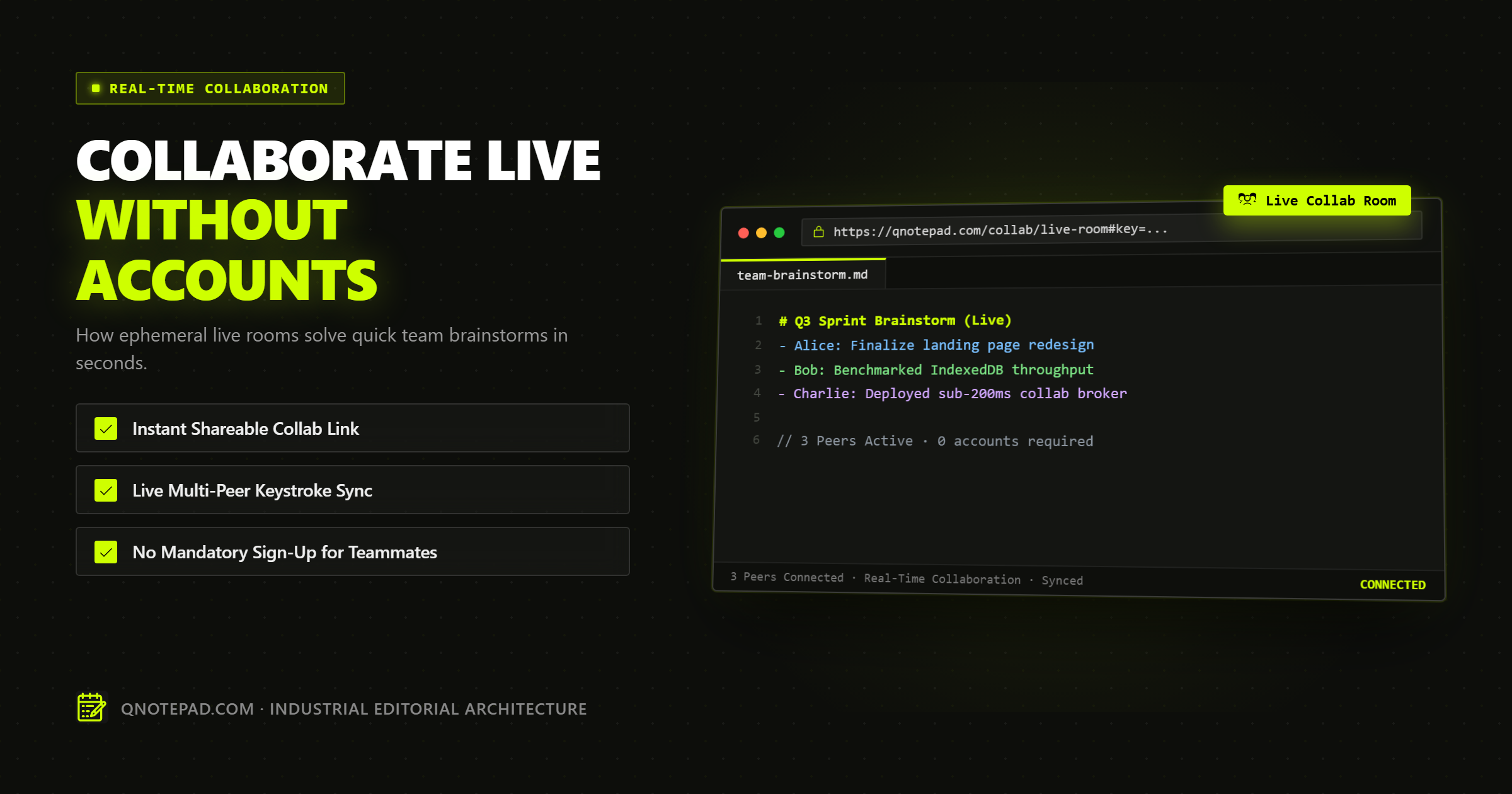
Collaborative note-taking without accounts allows two or more people to edit the same live text document instantaneously by opening a single URL, with zero sign-up screens, email verifications, or corporate workspace invitations.
Modern enterprise suites such as Google Docs, Notion, Microsoft 365, and Confluence have made real-time multi-user editing ubiquitous. However, they have coupled real-time editing to persistent corporate identities, centralized cloud databases, and rigid permission hierarchies.
When an engineering team is coordinating an active production incident, an agency is brainstorming raw copy with an external client on Zoom, or two developers need to paste sanitized log snippets, navigating permission modals, workspace invites, and enterprise SSO is a massive friction tax.
Ephemeral collaborative workspaces decouple real-time synchronization from user accounts and persistent server storage. This technical deep dive explains how accountless collaborative notepads operate, why they are faster and safer for ad-hoc teamwork, how client-side end-to-end encryption (E2EE) protects in-flight data, and how to implement zero-knowledge ephemeral rooms using standard browser Web APIs.
The Onboarding Friction Barrier: Why Account-Gated Collaboration Destroys Flow
Every knowledge worker has experienced the "collaboration stall" during a live video call or incident war room.
A team lead creates a new document to capture an architecture diagram or incident post-mortem timeline. They paste the document URL into the meeting chat. Within thirty seconds, the inevitable hurdles emerge:
- "It says I need to request access from your workspace administrator."
- "I do not have a corporate Google Workspace account on this personal laptop."
- "The link redirects me to an Okta SSO login page, but I am an external contractor."
- "I need to confirm my email address before I can type."
By the time permissions are provisioned, five minutes have evaporated, the conversational momentum is broken, and participants have reverted to typing fragmented thoughts into chat sidebars.
The Math of Collaboration Latency
Consider the time-to-first-keystroke between traditional account-based cloud software and an ephemeral, accountless notepad:
| Metric | Traditional Enterprise Cloud Doc (Google / Notion) | Ephemeral Accountless Notepad (QNotepad) |
|---|---|---|
| Account Creation | Required (Email, Password, Name, Team Size) | None (0 seconds) |
| Authentication Flow | Email verification link or SSO redirect | None |
| Permission Negotiation | Workspace invite, domain check, or explicit sharing | Capability URL access (token in link) |
| Payload Size on Load | 4.5 MB - 18.0 MB (Frameworks, telemetry, fonts) | 120 KB - 280 KB (Core editor + crypto runtime) |
| Time to First Keystroke (Host) | 18 - 45 seconds | 0.8 - 1.5 seconds |
| Time to First Keystroke (Guest) | 45 - 180 seconds | 0.8 - 1.2 seconds |
| Server Plaintext Storage | Indefinite retention in relational cloud database | Zero (Ephemeral memory or encrypted relay) |
| Post-Session Footprint | Stored in corporate document drive forever | Auto-expires via TTL or instant termination |
For permanent corporate documentation, compliance records, and structured knowledge bases, centralized governance is necessary. But for transient collaboration-quick brainstorms, pair-programming scratchpads, and meeting agendas-account-gated tools introduce unnecessary friction.
Architectural Models: How Accountless Collaboration Operates
Building a real-time collaborative editor without persistent user accounts requires rethinking authentication, authorization, and data transport.
There are three primary architectural models used to power accountless collaboration on the modern web:
1. Centralized Plaintext Relay (Traditional Pastebin / Etherpad Model)
   Client A (Plaintext) ---> Central Server (Stores Plaintext) ---> Client B (Plaintext)

2. End-to-End Encrypted Relay (Zero-Knowledge Capability Model - QNotepad)
   Client A [Encrypts with #Key] ---> Relay Server (Blind Ciphertext) ---> Client B [Decrypts with #Key]

3. Pure Peer-to-Peer WebRTC (Decentralized Mesh)
   Client A (Browser) <== WebRTC DataChannel (Direct P2P) ==> Client B (Browser)
1. Centralized Plaintext Relay (The Legacy Approach)
The earliest collaborative notepads (such as original Etherpad instances) generated a random room URL (e.g., /p/my-brainstorm-123). Any user who accessed the link joined a WebSocket room. The server accepted Operational Transformation (OT) operations, maintained the master document in server memory or MySQL, and broadcast deltas to connected clients.
The Fatal Flaw: The server administrator, hosting provider, and any eavesdropper with access to server logs can read the full, unencrypted conversation in cleartext. If confidential API credentials or proprietary brainstorm notes are pasted into the document, they remain vulnerable to database exfiltration.
2. End-to-End Encrypted Relay (The Modern Zero-Knowledge Standard)
In a zero-knowledge ephemeral room, the server operates strictly as a blind packet dispatcher.
- Client A generates a cryptographically random room key inside the browser using
crypto.getRandomValues(). - The key is placed into the URL fragment (the hash portion after
#, such ashttps://app.example/room/abc-123#k=SecretKeyHere). - Because RFC 3986 dictates that browser URL fragments are never sent to the server in HTTP request headers, the relay server never receives the encryption key.
- When Client A types a character or pastes a block of text, the browser encrypts the delta using AES-GCM-256.
- The ciphertext is sent over a WebSocket connection to the relay server.
- The relay server broadcasts the opaque ciphertext blob to all other active connections in room
abc-123. - Client B, having received the URL with the fragment from Client A, extracts the key from
window.location.hashand decrypts the ciphertext locally.
The server provider cannot inspect the document contents, index the text, or train machine-learning models on the data. Even if the server is compromised or subpoenaed, all stored state consists of mathematically undecipherable bytes.
3. Pure Peer-to-Peer WebRTC DataChannels
WebRTC enables direct browser-to-browser peer connections without passing text deltas through a central relay server. While theoretically ideal for privacy, pure P2P mesh topologies suffer from severe operational limitations in real-world environments:
- NAT and Firewall Traversal: Symmetric corporate firewalls frequently block direct UDP connections, requiring TURN relay servers that reintroduce server-side traffic handling.
- Mesh Scalability: In a full P2P mesh, every client must maintain a separate encrypted data channel to every other participant. For
Nusers, the network requiresN * (N - 1) / 2connections. A room with 6 participants requires 15 concurrent bidirectional streams, causing mobile devices to throttle CPU and drop frames. - The "Host Offline" Problem: If the user who initiated the P2P room closes their laptop lid, the document state disappears for all other participants unless an active distributed snapshot algorithm is running.
For this reason, high-performance ephemeral notepads utilize an E2EE WebSocket relay model: the low-latency reliability of a lightweight edge relay combined with the mathematical confidentiality of client-side cryptography.
Conflict Resolution: CRDTs vs Operational Transformation in Disposable Workspaces
When two users type simultaneously at the same offset in a document without an authoritative server coordinating every cursor, conflicts occur.
Client A inserts "Alpha" at Index 10
Client B inserts "Omega" at Index 10
If both clients apply local edits immediately and broadcast their changes over the network, how does each browser ensure that both screens display the exact identical text after the packets arrive?
Operational Transformation (OT)
OT was popularized by Google Docs and Etherpad. In an OT system, operations are expressed as positional transformations (e.g., insert(pos: 10, text: "Alpha")). When Client B's operation arrives at the server, the server transforms the index based on all preceding operations and sends back an adjusted index.
- Limitation: OT requires a centralized, authoritative server that processes and sequences every single keystroke. In an accountless, zero-knowledge architecture where the server cannot read or parse the text, the server cannot perform OT transformations on encrypted payloads.
Conflict-Free Replicated Data Types (CRDTs)
CRDTs (such as Yjs, Automerge, or Logoot) solve the coordination problem deterministically on the client side. Instead of assigning characters simple numerical array indices (0, 1, 2, 3), CRDTs assign every character a globally unique, immutable ID composed of a client identifier, a logical clock (Lamport timestamp), and a fractional index between its left and right neighbors.
Because CRDT mathematical properties guarantee strong eventual consistency (commutativity, associativity, and idempotence), clients can apply encrypted patches in any network order. Once all encrypted patches are received and decrypted, every participant is guaranteed to converge on the exact same character sequence.
For lightweight ephemeral notepads where bundle size must remain strictly under 200 KB, a streamlined, state-based CRDT or a Last-Write-Wins (LWW) block-based merge algorithm provides near-instant synchronization without the multi-megabyte runtime overhead of heavy enterprise document engines.
The Security Paradigm of Disposable Rooms
Traditional note platforms treat every document as a permanent asset that must be backed up, indexed, and retained until explicitly purged by an account owner.
Ephemeral collaborative notepads invert this paradigm by treating document lifecycles as transient sessions:
1. Zero Identity Tracking
Because there are no account registrations:
- No user emails, passwords, phone numbers, or company domains are recorded.
- No analytics trackers associate editing behavior with a personal identity profile.
- IP addresses can be masked at the network edge or discarded immediately after WebSocket termination.
2. Capabilities-Based Authorization
Security in an ephemeral room relies on the principle of object capability. Access is granted not by who you are (identity-based access control), but by what cryptographic token you possess (capability-based access control).
If you possess the capability URL:
https://qnotepad.com/collab/room-8f2a9d#key=3k9sF_x9...
You possess the mathematical capability to participate in the session. If you do not possess the URL and its unshared fragment, you cannot connect, authenticate, or decrypt a single byte.
3. Automatic TTL Expiration (Time-to-Live)
Permanent cloud databases accumulate stale, sensitive data over years. Ephemeral rooms implement strict, server-enforced TTL timers:
- If no active WebSocket connections are detected for 60 minutes, the room's transient relay buffer is purged from edge memory.
- All ephemeral room records carry a hard expiration ceiling (e.g., 24 hours), after which all relay state is permanently destroyed.
4. Explicit Host-Driven Room Termination
When a sensitive incident retro or credential-sharing session concludes, the meeting host can trigger an immediate termination command. This action notifies all connected clients to flush their local editor memory and instructs the relay server to purge all session envelopes from memory caches instantaneously.
Production Implementation: Client-Side E2EE Ephemeral Room Generation
The following production-ready TypeScript recipe demonstrates how an ephemeral collaborative workspace establishes a zero-knowledge encrypted session directly in the browser using the native Web Crypto API:
/**
 * Ephemeral Collaborative Room Crypto Engine
 * Generates room tokens, derives symmetric AES-GCM keys,
 * and seals/unseals realtime message envelopes.
 */

export interface EphemeralRoomCredentials {
  roomId: string;
  secretKeyBase64: string;
  shareableUrl: string;
}

export class EphemeralCollabEngine {
  private cryptoKey: CryptoKey | null = null;

  /**
   * Generates a new ephemeral room with a cryptographically secure
   * random room ID and an AES-GCM-256 symmetric key.
   */
  public static async createRoom(baseUrl: string): Promise<EphemeralRoomCredentials> {
    // 1. Generate 16 bytes of entropy for the room identifier
    const roomIdBytes = new Uint8Array(16);
    window.crypto.getRandomValues(roomIdBytes);
    const roomId = Array.from(roomIdBytes)
      .map((b) => b.toString(16).padStart(2, "0"))
      .join("");

    // 2. Generate a 256-bit AES-GCM cryptographic key
    const rawKey = await window.crypto.subtle.generateKey(
      { name: "AES-GCM", length: 256 },
      true, // extractable
      ["encrypt", "decrypt"]
    );

    // 3. Export raw key bytes to base64url for the URL fragment
    const exportedKey = await window.crypto.subtle.exportKey("raw", rawKey);
    const keyBase64 = EphemeralCollabEngine.bufferToBase64Url(exportedKey);

    // 4. Construct capability URL with key in the hash fragment
    const shareableUrl = `${baseUrl}/collab/${roomId}#key=${keyBase64}`;

    return {
      roomId,
      secretKeyBase64: keyBase64,
      shareableUrl,
    };
  }

  /**
   * Initializes the cryptographic engine from a URL hash key.
   */
  public async initializeFromKey(keyBase64: string): Promise<void> {
    const rawKeyBytes = EphemeralCollabEngine.base64UrlToBuffer(keyBase64);
    this.cryptoKey = await window.crypto.subtle.importKey(
      "raw",
      rawKeyBytes,
      { name: "AES-GCM" },
      false, // non-extractable once loaded
      ["encrypt", "decrypt"]
    );
  }

  /**
   * Encrypts a text delta payload before transmitting over WebSocket.
   */
  public async sealPayload(plaintext: string): Promise<{ iv: string; ciphertext: string }> {
    if (!this.cryptoKey) throw new Error("Cryptographic key not initialized");

    // Generate a fresh 12-byte initialization vector (IV) for every message
    const iv = new Uint8Array(12);
    window.crypto.getRandomValues(iv);

    const encodedText = new TextEncoder().encode(plaintext);
    const encryptedBuffer = await window.crypto.subtle.encrypt(
      { name: "AES-GCM", iv },
      this.cryptoKey,
      encodedText
    );

    return {
      iv: EphemeralCollabEngine.bufferToBase64Url(iv),
      ciphertext: EphemeralCollabEngine.bufferToBase64Url(encryptedBuffer),
    };
  }

  /**
   * Decrypts an incoming opaque envelope from the relay server.
   */
  public async unsealPayload(ivBase64: string, ciphertextBase64: string): Promise<string> {
    if (!this.cryptoKey) throw new Error("Cryptographic key not initialized");

    const iv = EphemeralCollabEngine.base64UrlToBuffer(ivBase64);
    const ciphertext = EphemeralCollabEngine.base64UrlToBuffer(ciphertextBase64);

    const decryptedBuffer = await window.crypto.subtle.decrypt(
      { name: "AES-GCM", iv },
      this.cryptoKey,
      ciphertext
    );

    return new TextDecoder().decode(decryptedBuffer);
  }

  // --- Base64URL Encoding Helpers ---
  private static bufferToBase64Url(buffer: ArrayBuffer | Uint8Array): string {
    const bytes = buffer instanceof Uint8Array ? buffer : new Uint8Array(buffer);
    let binary = "";
    for (let i = 0; i < bytes.byteLength; i++) {
      binary += String.fromCharCode(bytes[i]);
    }
    return window.btoa(binary).replace(/\+/g, "-").replace(/\//g, "_").replace(/=+$/, "");
  }

  private static base64UrlToBuffer(base64url: string): Uint8Array {
    let base64 = base64url.replace(/-/g, "+").replace(/_/g, "/");
    while (base64.length % 4) base64 += "=";
    const binary = window.atob(base64);
    const bytes = new Uint8Array(binary.length);
    for (let i = 0; i < binary.length; i++) {
      bytes[i] = binary.charCodeAt(i);
    }
    return bytes;
  }
}
Architectural Security Guarantees of this Implementation
- Deterministic Forward Secrecy per Room: Every new room generates a distinct 256-bit symmetric key. An attacker who somehow compromises room
Agains zero cryptographic advantage over roomB. - Fresh Initialization Vectors (IV): Every single keystroke delta or message envelope is encrypted with a newly generated, cryptographically random 96-bit (12-byte) IV. This completely eliminates IV reuse vulnerabilities in GCM mode.
- Integrity Authentication Tag: AES-GCM includes an implicit 128-bit authentication tag. If an adversary attempts to tamper with, truncate, or inject bytes into the encrypted relay stream,
subtle.decrypt()throws an exception immediately, preventing ciphertext manipulation attacks.
Common Pitfalls and Failure Modes in Disposable Workspaces
While ephemeral collaborative notepads provide unparalleled speed and privacy, engineering teams must recognize their inherent architectural trade-offs:
1. Accidental Capability Leakage in Chat Channels
Because access is granted entirely via the capability URL, anyone who can see the link can access and edit the note. If an engineer posts an ephemeral meeting link into a public Slack channel with 500 members instead of a private DM, every member of that channel possesses the capability to view the text.
- Mitigation: Post capability links only in private, direct communication channels. Use self-destructing room controls that terminate the session immediately once the meeting ends.
2. Complete State Loss on Browser Tab Closure
In a truly ephemeral, zero-account system, there is no centralized database holding a permanent copy of your text. If all participants simultaneously close their browser tabs before copying or exporting the text, the in-memory room state vanishes permanently.
- Mitigation: Implement automatic local caching in the host's IndexedDB storage. Before closing the tab or terminating the room, provide a prominent one-click "Export as Markdown" or "Save to Local Notes" action.
3. Network Partition and Offline Desynchronization
In an ad-hoc meeting, participants may transition between Wi-Fi networks, lose cellular connectivity, or put their laptops to sleep. If a client disconnects, continues typing locally, and reconnects ten minutes later, naive text synchronization can overwrite edits made by other participants.
- Mitigation: Always pair ephemeral WebSocket relays with a robust CRDT merge algorithm. The client should buffer offline operations and replay them deterministically upon reconnect without wiping peers' concurrent work.
Real-World Use Cases: Where Ephemeral Workspaces Excel
Ephemeral collaborative notepads are not intended to replace structured project wikis. Instead, they serve as the high-velocity, disposable scratchpads for specific high-friction scenarios:
- Cross-Organization Incident War Rooms: During a critical infrastructure outage involving external vendors, cloud architects, and incident commanders, an ephemeral room provides an immediate shared timeline where everyone can paste IP addresses, traceroutes, and status logs without waiting for guest account approvals.
- Client Discovery and Copywriting Interviews: When interviewing a prospective client or conducting a live copywriting brainstorm on a video call, sending a zero-friction URL allows the client to type instantly without exposing your agency's internal Notion or Google Drive workspace.
- Pair-Programming and Code Scrubbing: Two engineers working on a difficult regex, SQL query, or JSON data transformation can paste code, clean formatting, and test logic simultaneously without setting up a bloated live-share IDE session.
- Temporary Password and Environment Variable Exchange: Because modern ephemeral pads can enforce end-to-end encryption and single-session TTLs, they serve as a secure, self-destructing staging ground for development credentials.
Technical FAQs: Collaborative Note-Taking Without Accounts
Can the server administrator or cloud hosting provider read our notes?
In a zero-knowledge architecture like QNotepad's, no. The encryption key is generated locally in your browser and stored exclusively in the URL hash fragment (#key=...). RFC 3986 specifies that browsers never transmit the fragment portion of a URL to the web server. Because the server only receives encrypted ciphertext envelopes, neither the platform engineers nor the hosting provider have mathematical access to your plaintext.
What happens if everyone closes their browser tabs?
In an ephemeral session without persistent server storage, closing all active connections triggers the room's TTL expiration. Once the last participant disconnects, the in-memory relay buffer is purged. If you need to keep your brainstorm notes, always use the built-in export feature to save the document as a local Markdown (.md) or text file before disconnecting.
How many concurrent participants can an ephemeral room support?
Because modern ephemeral architectures use lightweight edge relays and client-side CRDTs instead of server-intensive relational databases, typical rooms comfortably support 10 to 50 concurrent editors without degradation. Beyond 50 simultaneous active typists, network packet volume increases exponentially, making structured enterprise document editors with lock-based controls more suitable.
Is an account required for the person who creates the room?
No. In an authentic zero-friction notepad, neither the creator (host) nor the participants require an account. The host generates the room token and encryption key with one click, and any participant who receives the link joins instantly.
How does ephemeral collaboration differ from Google Docs "Anyone with the link can edit"?
While Google Docs allows link sharing, it still requires the creator to hold an authenticated Google account, stores the full plaintext permanently on Google's cloud servers, indexes the content for enterprise search, and associates editing history with Google tracking cookies. An ephemeral notepad requires zero accounts, encrypts data end-to-end, and automatically destroys the session when completed.
Start an Instant Ephemeral Notepad in QNotepad ->
No login, no cookies wall, no servers looking over your shoulder. Write locally with zero latency.