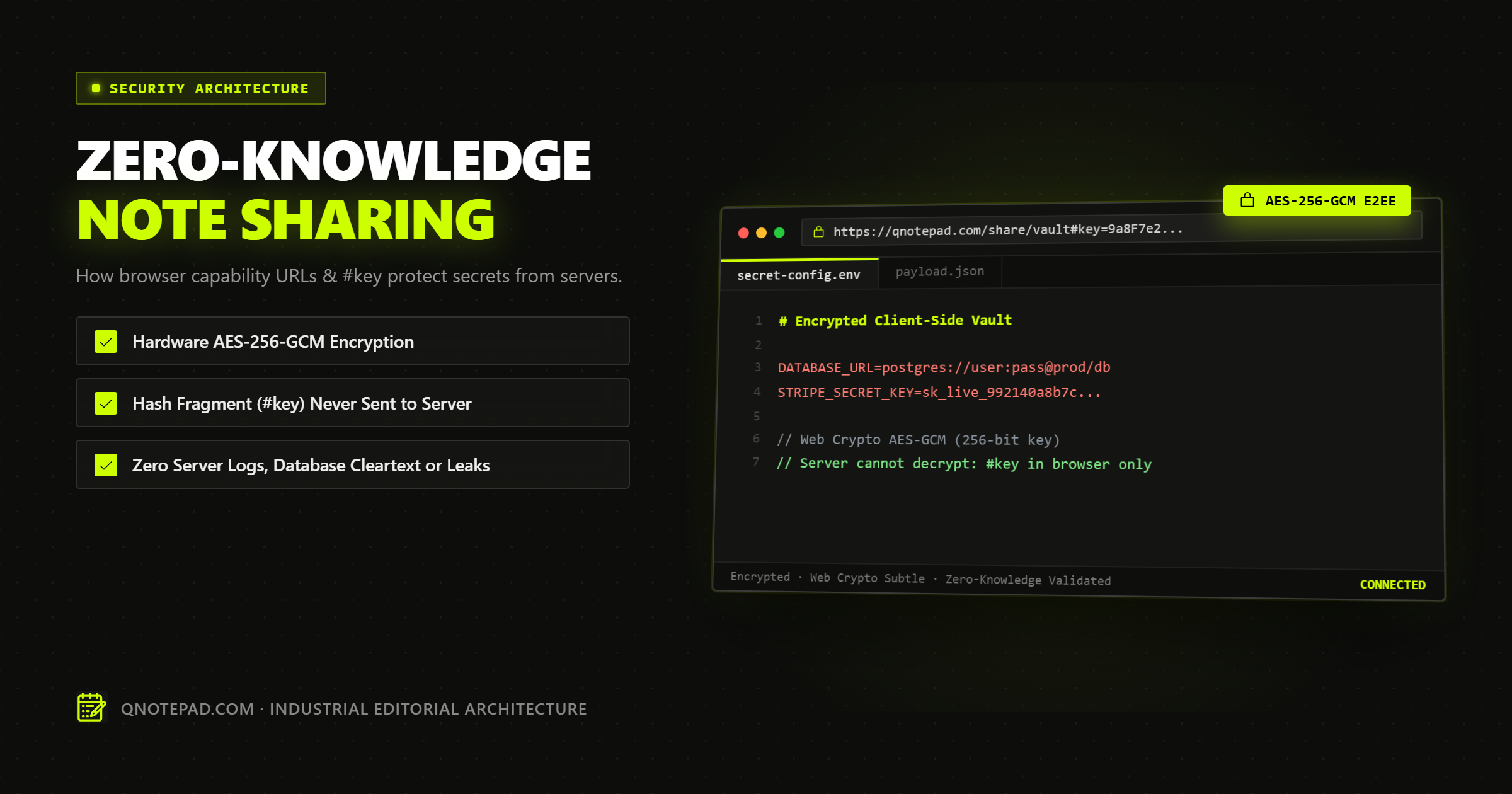
When you paste an environmental secret, a private draft, or a customer database configuration into a standard online pastebin, you are placing absolute trust in three entities:
- The service's server infrastructure and database administrators.
- Every intermediate network hop, CDN proxy, and log aggregator.
- Law enforcement or subpoena requests that might demand bulk database dumps.
Even if a service claims "we never read your notes," traditional architectures store your text in cleartext (or with keys managed by the service). If their database is breached or an employee token is compromised, your data is exposed.
True Zero-Knowledge Note Sharing eliminates this trust dilemma mathematically. Here is the technical breakdown of how QNotepad implements end-to-end client-side encryption using the Web Crypto API, AES-256-GCM, and URL Hash Capability Links.
The Fundamental Rule: The Server Must Be Blind
In a zero-knowledge system, the server acts solely as an oblivious blob store. It cannot read the payload, it cannot deduce the decryption key, and it cannot forge encrypted updates without detection.
[Sender Browser]
  │
  ├─ 1. Generate 256-bit AES-GCM key (in memory)
  ├─ 2. Encrypt plaintext note -> (Ciphertext + IV)
  ├─ 3. Upload Ciphertext to Edge Server -> Receive NoteID
  └─ 4. Construct URL: https://qnotepad.com/s/NoteID#key=SECRET_KEY
                                                    ▲
                                     NEVER sent to server (RFC 3986)
When the recipient clicks the link, their browser fetches the encrypted ciphertext using NoteID, reads SECRET_KEY from the URL fragment after the #, and decrypts the text locally in memory.
Why the # (Hash Fragment) is Cryptographically Critical
According to Section 3.5 of RFC 3986 (Uniform Resource Identifier):
"The fragment identifier component of a URI allows indirect identification of a secondary resource by reference to a primary resource... The fragment identifier is separated from the rest of the URI prior to a dereference; as such, the fragment itself is not used in the scheme-specific processing of a URI."
When you navigate to:
https://qnotepad.com/s/xyz123#key=k9mP4w7q2x8vL1...
Your web browser sends only this HTTP request header:
GET /s/xyz123 HTTP/2
Host: qnotepad.com
User-Agent: Mozilla/5.0...
The substring #key=... is completely omitted from the HTTP request packet. It:
- Never reaches the Cloudflare edge proxy.
- Never appears in NGINX, Cloudflare Worker, or server access logs.
- Never gets recorded in TLS terminating middleboxes or ISP inspection systems.
- Never touches the backend database.
The key exists exclusively inside the sender's and recipient's local browser memory.
The Cryptographic Pipeline: AES-256-GCM in Web Crypto
We rely exclusively on the browser's hardware-accelerated SubtleCrypto API, avoiding third-party JavaScript crypto libraries that might introduce supply-chain vulnerabilities or side-channel leakage.
Step 1: Ephemeral Key Generation
When you choose to share a secure note, the browser generates an unpredictable 256-bit symmetric key using high-entropy operating system randomness:
const key = await crypto.subtle.generateKey(
  { name: "AES-GCM", length: 256 },
  true, // extractable so we can place it in the URL fragment
  ["encrypt", "decrypt"]
);
Step 2: Authenticated Encryption with AES-GCM
AES-GCM (Galois/Counter Mode) provides both confidentiality and integrity authentication. If even a single byte of ciphertext or metadata is altered in transit, decryption fails immediately, preventing bit-flipping attacks.
We generate a cryptographically random 96-bit Initialization Vector (IV) for every single encryption operation:
const iv = crypto.getRandomValues(new Uint8Array(12));
const encodedNote = new TextEncoder().encode(notePlaintext);

const ciphertext = await crypto.subtle.encrypt(
  { name: "AES-GCM", iv },
  key,
  encodedNote
);
Step 3: Packing & Capability Link Construction
The IV and ciphertext are concatenated and Base64URL-encoded for network transport. The raw AES key is exported and formatted into the URL hash:
const rawKey = await crypto.subtle.exportKey("raw", key);
const keyString = base64UrlEncode(rawKey);
const shareableUrl = `https://qnotepad.com/s/${noteId}#key=${keyString}`;
What Can (and Cannot) Be Leaked?
To evaluate the security model honestly, here is the threat vector breakdown:
| Threat Vector | Vulnerable? | Mitigation in QNotepad |
|---|---|---|
| Server Database Compromise | No | Server only holds encrypted ciphertext with random IVs. |
| Cloudflare / CDN Logs | No | Hash fragment (#key) is never transmitted in HTTP requests. |
| ISP or Government Wiretap | No | Full TLS encryption in transit + AES-256 ciphertext payload. |
| Browser Extensions (Malicious) | Yes | Any extension with <all_urls> can read the DOM and address bar. |
| Unsafe Link Forwarding | Yes | If you paste the link into a public chat, anyone with the link can decrypt. |
Best Practices When Sharing Sensitive Notes
- Use Burn-After-Reading If Supported: For one-time passwords, ensure the payload is purged immediately upon first retrieval.
- Send Link and Context Through Separate Channels: For high-security environments, transmit the URL via one chat app (e.g. Signal) and instructions via another.
- Verify HTTPS: Always check that the connection is served over verified TLS to prevent man-in-the-middle tampering of the client-side JavaScript bundle.
Conclusion: Trust Math, Not Promises
In modern privacy engineering, policies and terms of service are weak guarantees. Code and mathematics are absolute.
By pairing local-first IndexedDB persistence with client-side AES-256-GCM capability URLs, QNotepad lets you write, edit, and share notes with the speed of an instant scratchpad and the security of a cryptographic vault.
Test Encrypted Notes in QNotepad
No login, no cookies wall, no servers looking over your shoulder. Write locally with zero latency.