When you need to paste an API key, draft a quick Slack message, scrub rich-text formatting, or take phone call notes, the last thing you want is a 5-second loading splash screen, a 2FA prompt, or a modal asking you to upgrade to a "Team Workspace" plan.
Yet, over the past decade, modern note-taking software has drifted from lightweight utilities toward heavy, database-backed enterprise software. Simple scratchpads have been replaced with complex relational databases, infinite canvases, and AI copilot sidebars.
Here is why an online notepad without login remains the purest, fastest, and most dependable productivity tool on the web—and how modern browser architecture makes it possible without sacrificing your data.
The Friction Tax of Modern "Cloud Notes"
Consider the typical workflow when using a heavy cloud-first tool (Notion, Google Keep, Evernote) for a 15-second temporary note:
- Authentication Gates: Your session expired. You must input your email, wait for a magic link or open an authenticator app.
- Network Latency & Spinners: The app must contact a centralized server cluster, authenticate tokens, and download hundreds of kilobytes of UI state before the cursor blinks.
- Context Pollution: Your temporary scratchpad note now permanently pollutes your search index, your sidebar navigation, and your recent files list until you manually archive it.
- Data Harvesting: Every keystroke is sent over the wire to remote application servers, indexed into company databases, and potentially used to train predictive models.
For long-term project wikis or team knowledge bases, heavy cloud apps are wonderful. But for immediate, transient cognitive offloading, they fail because the cognitive cost of opening the tool exceeds the cost of the thought itself.
Comparison: Traditional Cloud Notes vs Instant Local-First Notepad
| Feature | Bloated Cloud Apps | Traditional Pastebins | QNotepad (Local-First) |
|---|---|---|---|
| Time to Cursor | 2,000ms – 5,000ms | 400ms – 800ms | < 50ms (Instant) |
| Account Required | Mandatory (Email, OAuth) | Optional / Captchas | None (Zero Login) |
| Offline Operation | Broken or Fragile Sync | Unusable Offline | 100% Native Offline |
| Storage Engine | Proprietary Cloud Database | Public Database | Your Browser IndexedDB |
| Data Privacy | Cleartext on Server | Cleartext on Server | Zero-Knowledge / Encrypted |
| Autosave | Requires Active Network | Manual "Save" Button | Continuous Local Autosave |
The Modern Solution: Local-First Architecture
How does an online notepad keep your notes persistent across browser restarts without ever asking for your email or password?
The secret is Local-First Architecture powered by modern web standards:
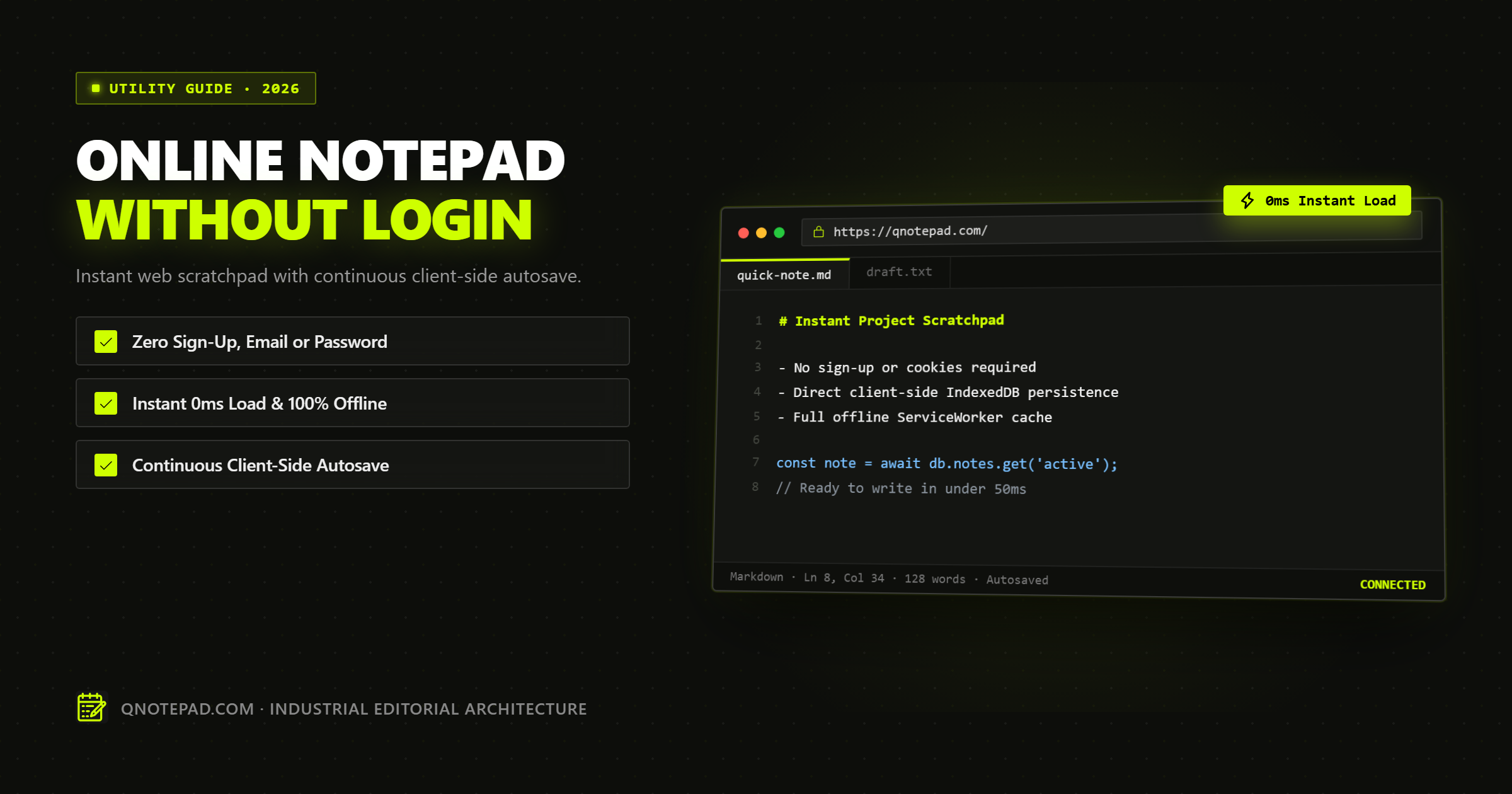
- IndexedDB as the Primary Database: Instead of treating the browser as a dumb terminal displaying server data, QNotepad treats your local device as the primary source of truth. Your words are committed to IndexedDB asynchronously on every keystroke.
- Service Worker Offline Cache: The entire application shell (HTML, CSS, CodeMirror editor, and icons) is cached in your browser. Even if your Wi-Fi cuts out in an airplane cabin or underground subway, the notepad launches instantly.
- Zero Analytics on Content: The server never sees the contents of your scratchpad. In fact, if the backend server completely vanishes, your local notes remain 100% intact, readable, and editable.
4 Everyday Use Cases Where Instant Scratchpads Shine
1. The Rich-Text "Sanitizer"
Copying text from a PDF, Google Doc, or Figma mockup into an email often carries invisible styling tags, broken line breaks, and mismatched font sizes. Dropping the text into an instant plain-text notepad instantly scrubs all formatting, giving you pristine UTF-8 text ready to paste anywhere.
2. Temporary Code & JSON Staging
When debugging API responses, you frequently need to hold an access token, an error payload, or SQL query snippet. Opening a full IDE or creating a new cloud file is overkill. A fast notepad with syntax highlighting gives you line numbers, word count, and bracket matching without leaving the browser tab.
3. Ephemeral Meeting Notes
During rapid standups or customer calls, speed is everything. An online notepad that opens to a blank canvas with a single shortcut (Ctrl+T or typing qnotepad.com) ensures you never miss a quote while waiting for an app to load.
4. Distraction-Free Focused Writing
Modern productivity tools are packed with badges, notification bells, avatar indicators, and comment threads. A minimalist industrial notepad strips away every non-essential visual element, leaving only your thoughts and the cursor.
Quick Keyboard Shortcuts for Power Users
When using an instant web scratchpad, keyboard efficiency is paramount. On QNotepad, you can work entirely without touching your mouse:
Ctrl + N/Cmd + N: Create a new note instantly in a clean workspace tab.Ctrl + S/Cmd + S: Trigger an immediate snapshot export (Markdown or TXT).Ctrl + Shift + F: Toggle distraction-free full-screen mode.Ctrl + P: Open the rapid command palette to switch modes or search notes.
Summary: Simplicity as a Feature
Speed is not just an engineering metric; it is an ergonomic imperative. When your tools respond in under 50 milliseconds without asking who you are or requiring verification codes, your focus stays unbroken.
Try QNotepad right now in your browser. No signup, no credit card, no password. Just a blank page, instant autosave, and complete privacy.
Open Instant Scratchpad Now
No login, no cookies wall, no servers looking over your shoulder. Write locally with zero latency.