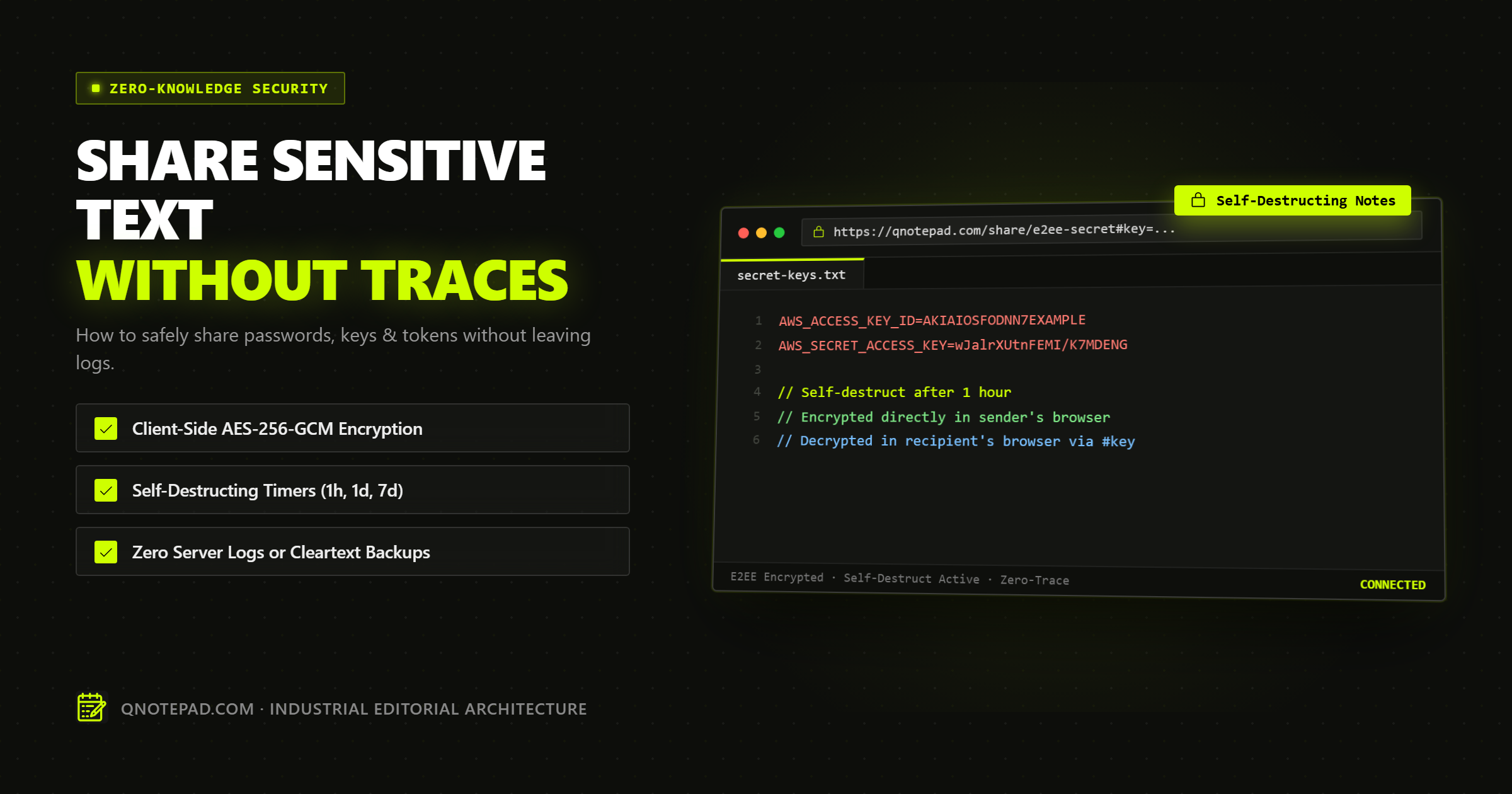
Sharing credentials, private encryption keys, .env production configs, and temporary access tokens is an everyday necessity for engineering teams, IT administrators, and privacy-conscious professionals.
Yet, a staggering percentage of organizations continue to exchange sensitive secrets through standard team chat channels (Slack, Microsoft Teams, Discord), unencrypted emails, or ad-supported online pastebins.
This practice creates a permanent, searchable paper trail. Even if you edit or delete the message later, the plaintext has already been archived in chat server logs, backed up to corporate cloud storage, indexed by internal search crawlers, and potentially exposed to third-party integrations and browser extensions.
To share sensitive text safely in 2026, you must eliminate the server from the circle of trust. This comprehensive guide details the mechanics of zero-trace secret sharing, how client-side cryptography guarantees privacy, and how to safely transmit high-risk text without leaving a digital footprint.
The "Casual Paste" Crisis: Why Traditional Channels Fail
When you paste an API secret or server password into a standard communication tool, you expose that credential to multiple distinct threat vectors:
1. Permanent Chat Server Logging
Messaging platforms operate persistent cloud databases designed for auditability and compliance. When you post a secret in a channel or direct message:
- The plaintext is stored in the messaging provider's database.
- It is replicated across global database read replicas.
- It remains in automated daily and weekly system backups for months or years.
- Any administrator with organization-wide export privileges (such as during an eDiscovery audit) can extract your plaintext message.
2. Search Indexing and Accidental Discovery
Chat search engines index message bodies to provide autocomplete and history searching. A temporary database password pasted two years ago remains discoverable by any contractor or employee who searches for keywords like password, admin, or DATABASE_URL.
3. Third-Party Webhook and Bot Leakage
Modern team workspaces connect dozens of bots, analytics integrations, and monitoring tools. Many of these apps request broad read:messages OAuth scopes. A rogue or compromised bot integration can silently siphon credentials from chat channels without triggering any security alarms.
4. Public Pastebin Scraping
Traditional pastebins (such as Pastebin.com or standard gist tools) store text in cleartext on their servers. Hundreds of automated bot crawlers continuously scan public pastebin feeds for regular expressions matching AWS keys (AKIA...), Stripe secret keys (sk_live_...), private RSA keys, and database connection URIs. Pasting a secret into an unvetted public tool frequently results in automated compromise within minutes.
Comparison: Credential Sharing Channels Evaluated
| Sharing Method | Server Reads Plaintext? | Stored in Search Index? | Automatic Expiration? | Resistant to Warrants/Breaches? |
|---|---|---|---|---|
| Team Chat (Slack / Teams) | Yes | Yes (Permanent) | No | No |
| Direct Email | Yes (All hops & relays) | Yes (Inbox search) | No | No |
| Standard Cloud Pastebin | Yes | Often publicly scrapable | Rare | No |
| Encrypted Password Manager | No | Vault encrypted | Limited (Requires account) | Yes (If vault master key is secure) |
| Zero-Knowledge Capability Link | No (Client-encrypted) | No (Never indexed) | Yes (Burn on read / TTL) | Yes (Mathematically enforced) |
Anatomy of a True Zero-Trace Capability Link
A secure, temporary secret-sharing system relies on three technical guarantees:
- Client-Side Encryption: The secret must be encrypted on the sender's device before any data reaches the network.
- Server Blindness via Capability URLs: The decryption key must never touch the server's network interfaces or database.
- Automated Ephemeral Lifecycle: The ciphertext must automatically expire and self-destruct after a defined duration or upon first retrieval.
The RFC 3986 URL Fragment Mechanism
The foundational technology behind server-blind link sharing is the URL hash fragment (#), formalized in RFC 3986:
https://qnotepad.com/share/vault-id#key=9a8F7e2b...
└───────────┬────────────┘└────┬───┘ └──────┬──────┘
            │                  │            │
   Domain & Host Path      Document ID  Secret Key
 (Sent to Cloudflare Edge)  (Public ID)  (STAYS STRICTLY IN BROWSER)
By strict W3C and IETF networking specifications, web browsers never transmit the hash fragment to HTTP servers. When a recipient opens the link:
- The browser requests
https://qnotepad.com/share/vault-idfrom the edge server. - The server responds with the application shell and the opaque encrypted payload associated with
vault-id. - The server's access logs record only
GET /share/vault-id—the#keyis physically absent from the request. - Client-side JavaScript running in the recipient's browser reads
window.location.hash, extracts the 256-bit AES key, and decrypts the payload directly in local memory.
Even if the server infrastructure is seized by law enforcement, subpoenaed, or fully compromised by an attacker, the stored data is mathematically indistinguishable from random noise.
Step-by-Step: How Client-Side Web Crypto Secures Your Secret
Here is the exact cryptographic workflow utilized by modern local-first notepads like QNotepad when sharing sensitive text:
[Sender Browser]
  1. User inputs raw password or .env secret.
  2. Browser generates 256-bit cryptographically secure key: crypto.getRandomValues(32).
  3. Browser generates 96-bit initialization vector: crypto.getRandomValues(12).
  4. Web Crypto API encrypts text via AES-256-GCM with authenticated tag.
  5. Browser uploads ONLY: { id, iv, ciphertext, expiresAt }.
  6. Sender copies: https://qnotepad.com/share/{id}#key={secretKeyHex}
[Edge Server / CDN]
  1. Stores opaque ciphertext buffer with expiration timestamp.
  2. Server CANNOT inspect content: holds zero keys, zero passwords.
  3. Purges record immediately upon expiration or first read.
[Recipient Browser]
  1. Fetches { iv, ciphertext } from server.
  2. Extracts #key from local window.location.hash.
  3. Decrypts ciphertext in browser sandbox memory.
  4. Displays secret on screen; user copies to clipboard.
  5. Closing tab completely purges plaintext from memory.
Practical Code Recipe: Client-Side AES-GCM-256 in the Browser
For developers who want to understand or verify how client-side encryption works, here is a functional implementation using the native browser Web Crypto API:
// 1. Generate an ephemeral 256-bit AES-GCM key
async function generateSecretKey() {
  return await window.crypto.subtle.generateKey(
    { name: "AES-GCM", length: 256 },
    true,
    ["encrypt", "decrypt"]
  );
}

// 2. Encrypt sensitive plaintext
async function encryptSecret(plaintext, key) {
  const enc = new TextEncoder();
  const iv = window.crypto.getRandomValues(new Uint8Array(12)); // 96-bit IV

  const ciphertext = await window.crypto.subtle.encrypt(
    { name: "AES-GCM", iv: iv },
    key,
    enc.encode(plaintext)
  );

  return {
    iv: Array.from(iv).map(b => b.toString(16).padStart(2, '0')).join(''),
    ciphertext: Array.from(new Uint8Array(ciphertext))
      .map(b => b.toString(16).padStart(2, '0')).join('')
  };
}

// 3. Export raw key to hex for URL fragment embedding
async function exportKeyToHash(key) {
  const exported = await window.crypto.subtle.exportKey("raw", key);
  return Array.from(new Uint8Array(exported))
    .map(b => b.toString(16).padStart(2, '0')).join('');
}
4 Fatal Mistakes to Avoid When Sharing Secrets
Even with mathematical encryption, human workflow mistakes can compromise sensitive data:
Mistake 1: Transmitting the Link and Context in the Same Channel
If an attacker compromises your coworker's Slack account, pasting both the link and an explanation ("Here is the master AWS root key: https://...") allows the attacker to click and decrypt immediately.
- Remedy: Use out-of-band communication. Send the link via chat, but communicate what it belongs to via a quick phone call, SMS, or separate secure channel.
Mistake 2: Allowing Link Preview Bots to Trigger "Burn-on-Read"
Many enterprise chat clients and social platforms automatically fetch URLs to generate rich title and image previews (OpenGraph crawlers). If your secret-sharing tool uses a naive "delete immediately on first HTTP request" rule, the Slack crawler will access the link, consume the secret, and delete it before your human recipient ever clicks it.
- Remedy: Ensure your tool requires explicit human interaction (such as clicking a "Decrypt and Reveal Secret" button) before triggering deletion from server storage.
Mistake 3: Storing Decrypted Plaintext on Desktop Scratchpads
After decrypting an API key, users frequently paste it into an unencrypted desktop text file (notes.txt on the Desktop) for "temporary reference." That file sits on an unencrypted disk, gets backed up to iCloud or OneDrive, and negates the entire security workflow.
- Remedy: Copy credentials directly from the browser window into your environment manager or terminal, and close the browser tab immediately.
Mistake 4: Relying on "Encrypted at Rest" Marketing Claims
Many cloud services boast that their data is "encrypted at rest using military-grade AES-256." What they do not disclose is that they hold the keys. If the vendor holds the keys, an rogue employee, a misconfigured cloud bucket, or a government subpoena can decrypt your data at any time.
- Remedy: Demand Zero-Knowledge Encryption where keys are strictly generated and held client-side.
Frequently Asked Technical Questions (FAQ)
Can the edge server hosting provider intercept my password?
No. Because the encryption key is isolated inside the URL hash fragment (#key=...), it is never included in the HTTP headers, query parameters, or TLS handshakes sent to the server. The edge server only stores and routes opaque ciphertext blocks.
What happens if an unauthorized person intercepts the link?
If an attacker intercepts the complete URL (including the hash fragment), they can decrypt the content. That is why end-to-end secret sharing should always be paired with short expiration windows (TTL) (such as 1 hour or 24 hours) and single-use viewing. Once viewed or expired, the ciphertext is permanently purged from storage.
Why not just use PGP or GPG email encryption?
PGP and GPG provide excellent cryptographic security, but their key management overhead is notoriously difficult for non-technical recipients. Exchanging public keys, verifying web-of-trust signatures, and configuring local GPG software creates massive workflow friction. Capability URLs deliver identical mathematical AES-256-GCM security with zero installation or setup required by the recipient.
How does auto-destruction work without server cleartext?
The server maintains an automated TTL (Time-to-Live) index on the encrypted record. When the expiration duration expires (e.g., 1 hour post-creation) or an authorized purge signal is received, the server deletes the ciphertext blob from disk. Even if someone obtains the #key later, there is no encrypted data left on the server to decrypt.
The Golden Rule of Secret Sharing
Never paste raw passwords or sensitive credentials into any tool that requires a user account, indexes search terms, or lacks client-side encryption.
Use client-side, zero-knowledge tools like QNotepad with ephemeral capability URLs to ensure your sensitive business text remains strictly between you and your recipient.
Create a Zero-Trace Encrypted Note in QNotepad →
No login, no cookies wall, no servers looking over your shoulder. Write locally with zero latency.